
1 · Start a trip
Tap start and DriveTracks records your miles in the background — an accurate GPS trail with the screen off and your phone in the mount, always with a visible notification so you know it's running.
DriveTracks · En Route
DriveTracks turns a day of driving into something you can actually read — your route, your miles, your numbers.
Trip report
How it works
Tap start and DriveTracks records your miles in the background — an accurate GPS trail with the screen off and your phone in the mount, always with a visible notification so you know it's running.
Mark pickups, dropoffs, and stops as you go, then match each trip to its payout so every mile is tied to what it brought in.
When you stop, your day comes together on its own — miles, time, and the numbers behind them, ready to read or export. No spreadsheet required.
Features
A dependable GPS trail with the screen off, powered by a foreground location service — never silent, always with a notification.
Pickup, dropoff, and stage markers, plus log a payout — fare, tips, notes — and match it to the trip it came from.
Set money aside for federal income, Social Security, and Medicare using the IRS standard mileage rate.
Fuel and MPG, maintenance, tires, insurance — so your cost per mile is real, not a guess.
A clear chart of when a trip turned profitable — and when it didn't.
The numbers that actually let you compare trips, platforms, and times of day.
Export CSV by date range, a custom range, or hand-picked trips (free); Pro adds polished PDF reports you can print or save.
Nothing to sign up for. Your data never leaves your phone unless you send it somewhere yourself.
Works great on its own, holds its own in split-screen twin view right beside your gig app, and stretches out comfortably on a tablet.
Plans
Free
$0 · no account · no ads, ever
Pro
Monthly or annual · pricing at launch
Everything in Free, plus:
Your data stays yours
Everything lives on your device — no login, no backend, no ads. Your trips and earnings never leave your phone; the app only sends the map area you're viewing and a coarse location to map and weather providers to draw the map and show the forecast. DriveTracks records only during a trip you start, always with a visible notification, and you can take your data with you anytime.
A look inside
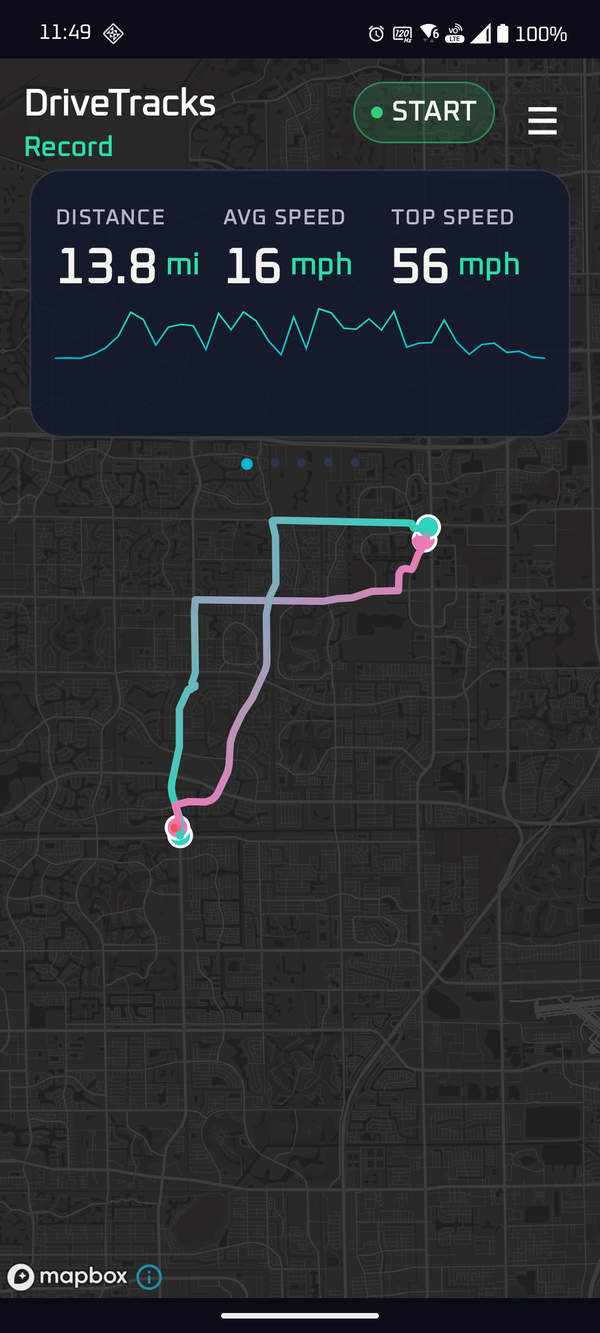
Distance, average speed, and top speed update live as you drive — over your route on the map.
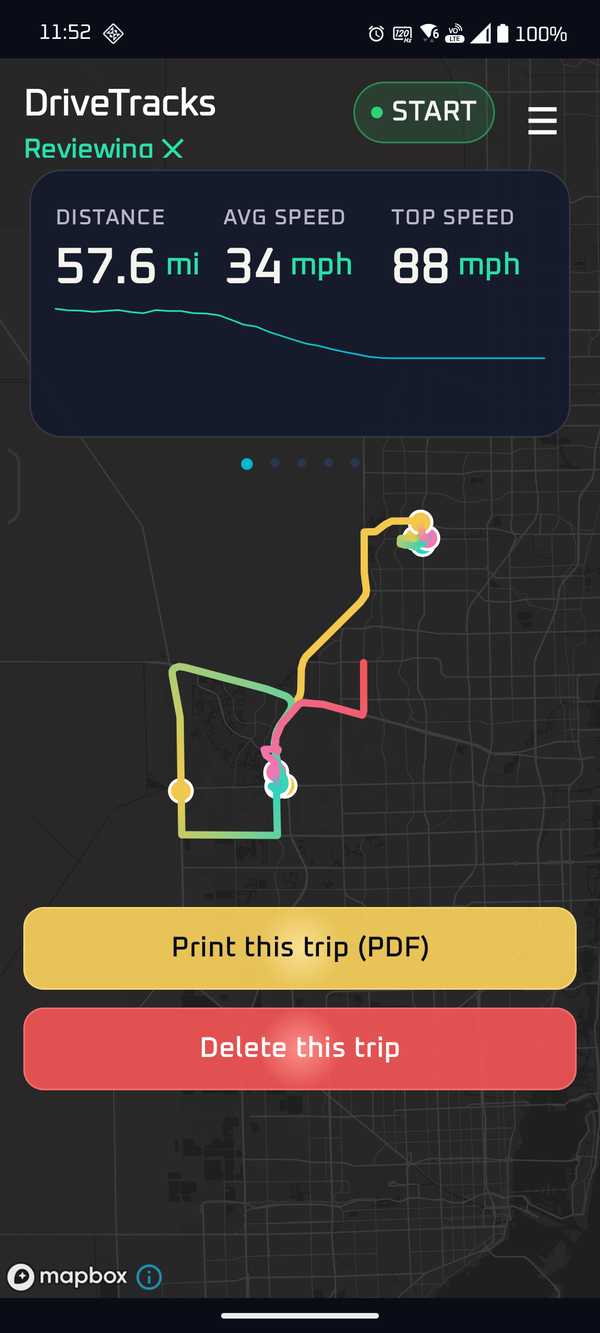
Pro maps every trip on the Mapbox street map — here a 57-mile day — and prints it to a polished PDF.
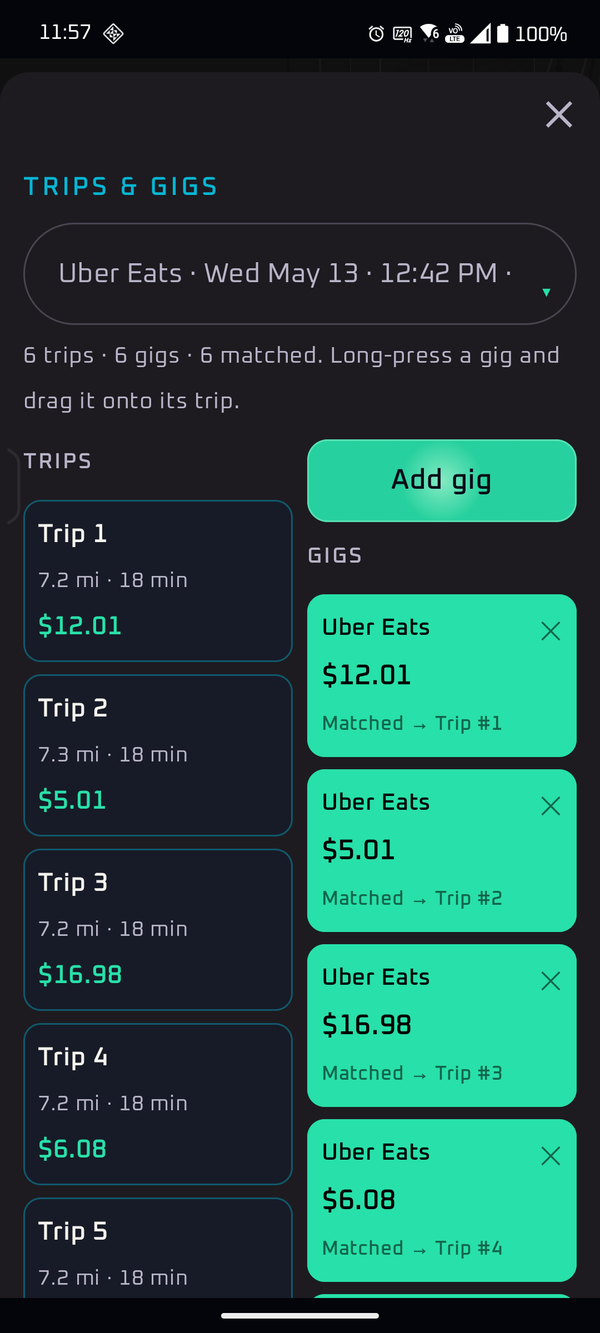
Log each gig's payout and match it to the trip it came from — every mile tied to what it earned.
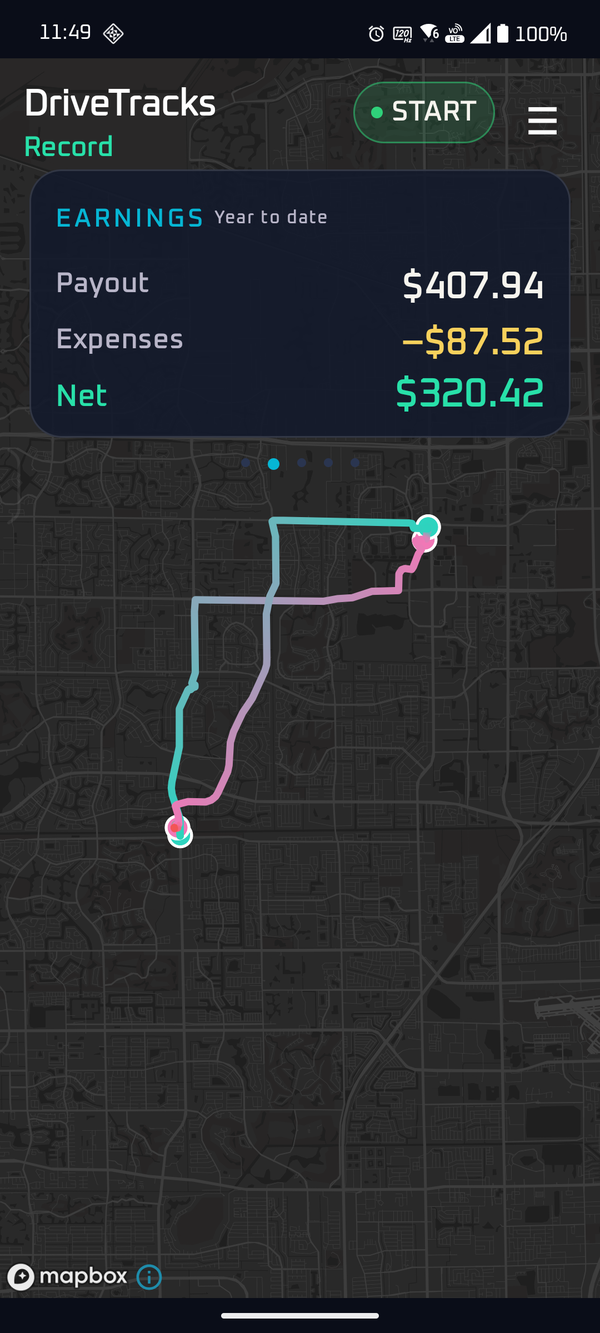
Payout minus expenses equals net, year-to-date — the number that actually matters.
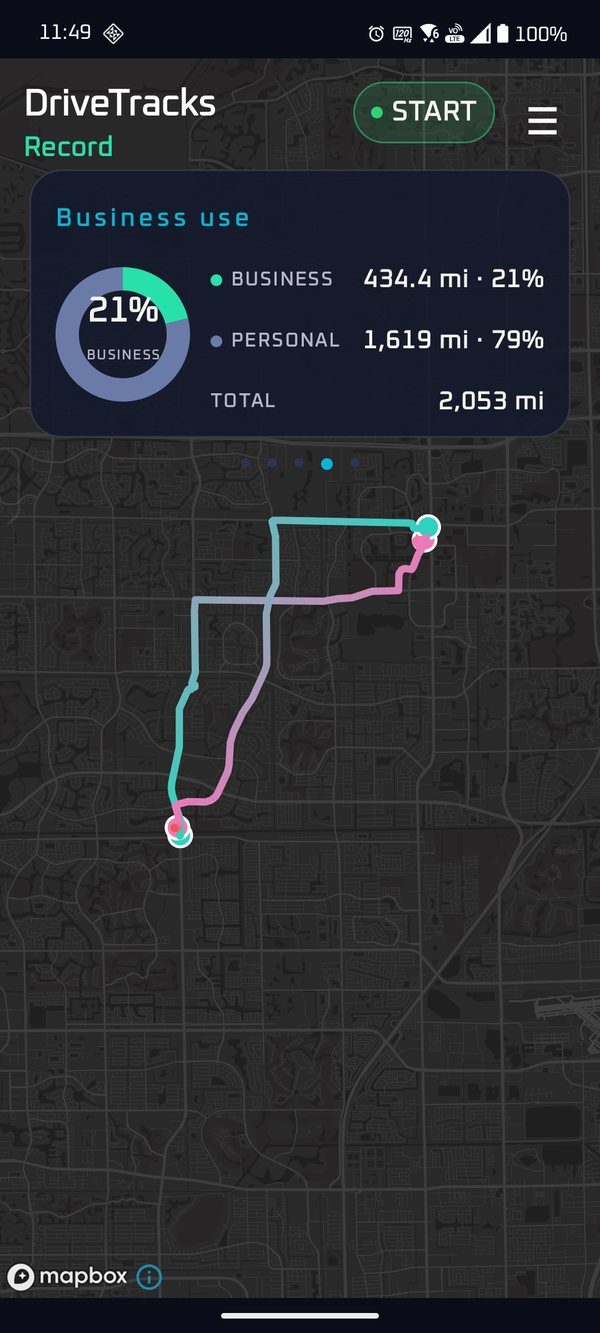
See your business-use share for taxes — business miles split from personal at a glance.
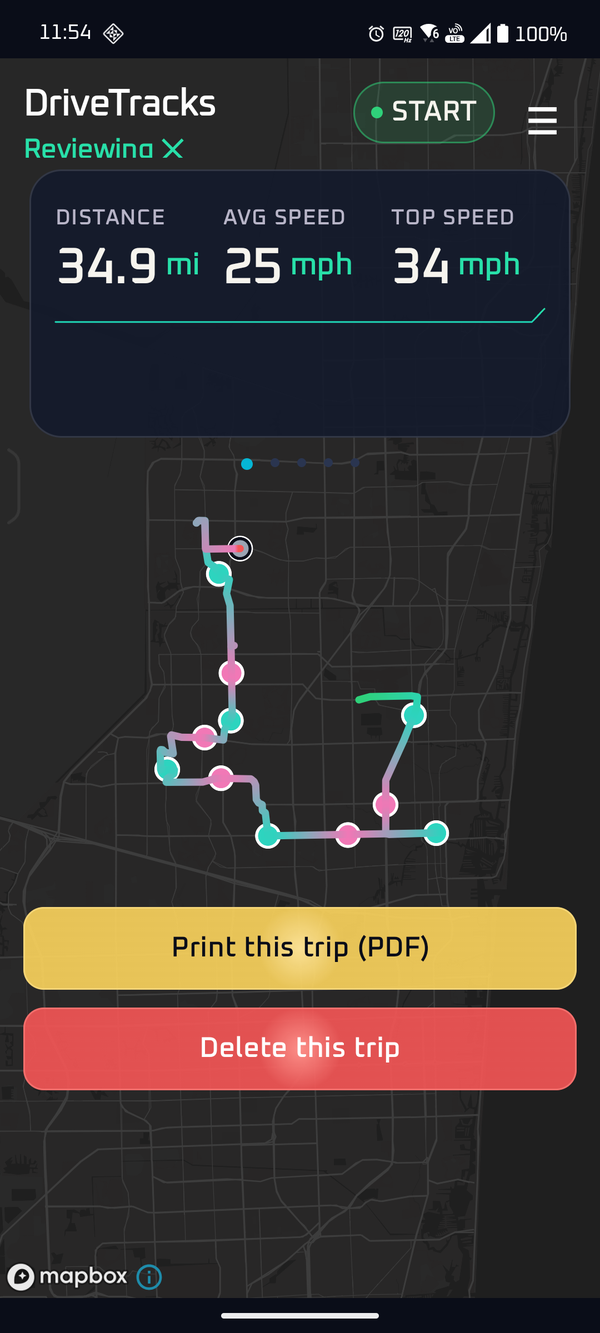
A full delivery shift with every pickup and dropoff pinned along the trail.
FAQ
No. DriveTracks only records during a trip you start, and stops when you end it — with a visible notification the entire time. There's no always-on tracking.
It uses Android's efficient location service tuned for long drives. DriveTracks uses "while using" location only — once you start a trip, an ongoing notification keeps it recording accurately even while your screen is off or you're in another app, and it stops when you end the trip.
There's no DriveTracks account or server, so your trips and earnings stay on-device. The app sends only the map area you're viewing to the map provider (OpenStreetMap on free, Mapbox on Pro) and a coarse location to the weather service — just to draw the map and show the forecast. Your trips otherwise stay on-device and only leave when you export or share a report yourself.
Yes. You enter each platform's payout and DriveTracks matches it to the trip, so it works alongside any gig app.
Yes — your data is never locked in. Free exports to CSV (by date range, a custom range, or hand-picked trips); Pro adds polished PDF reports you can print or save.
Android comes first (coming soon). An iPhone version isn't available yet.
No — none. DriveTracks has no ads, no ad SDK, and no advertising ID, in either tier. It's funded by optional Pro subscriptions, not your attention or your data.
Recording your miles is free — no account, and no ads, ever. An optional Pro subscription (monthly or annual) unlocks the live Mapbox street map, markers, payout matching, profit reports, and polished PDFs — with vehicle costs and a tax reserve on the way. Pricing is announced at launch.
En Route
Android is on the way, with a Wear OS watch companion planned. Have a question? Drop us a line.